
1. Start with a mouse
The official listing names mouse input. Click inside the frame before deciding that a prompt is unresponsive.
A short browser puzzle by EterDelta — not a Google verification service.
Use a mouse to work through the game's challenges. If the frame does not run on your device, open the official game page instead.
Verified game guide
The Captcha Game is a short HTML5 puzzle by EterDelta. The developer page lists mouse input and describes a compact challenge session. This independent guide covers the game only: it does not provide Google reCAPTCHA, CAPTCHA solving, bypasses, automation, accounts, or security verification.
The official listing names mouse input. Click inside the frame before deciding that a prompt is unresponsive.
Treat each screen as a puzzle instruction. Do not assume it behaves like a real website verification widget.
Version 1.1 notes added fullscreen. Exit it if focus, scaling, or pointer input becomes unreliable.
Mobile support is not promised here. Player reports on the official page mention WebGL and cross-origin-isolation issues on some devices. If this frame fails, use the official EterDelta game page instead of retrying an unrelated embed.
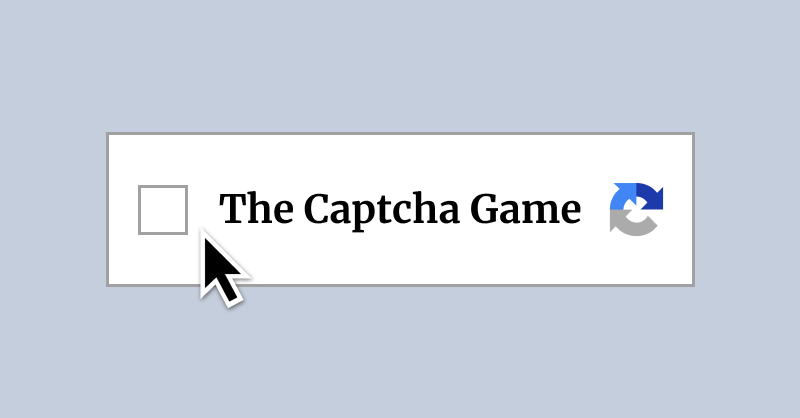
Troubleshooting
| What you see | Check first | Then do this |
|---|---|---|
| The frame stays blank | Wait for the WebGL build, then reload once. | Open the official EterDelta page in a current desktop browser. |
| Clicks do not register | Click inside the game frame and use a mouse. | Exit fullscreen, refocus the frame, and retry the current prompt. |
| The game fails on mobile | Treat mobile support as unconfirmed, not guaranteed. | Use a desktop browser; reports mention WebGL and isolation limits. |
| You expected Google reCAPTCHA | This is EterDelta's puzzle game, not a verification service. | Do not enter credentials or use this page for account verification. |
Game identity, the official source, mouse-first setup, frame troubleshooting, fullscreen caveats, and links to other browser puzzles.
It does not solve real CAPTCHAs, bypass security, verify accounts, provide accessibility claims the developer has not documented, or store game progress for you.
Browse a rotating selection of captcha game curated verification drills, logic puzzles, action trials, and co-op standouts.
Cat and Granny
Fireboy and Watergirl: Elements

Take Care of Your Own Hollyberry

BloodMoney

Steal A Brainrot Unblocked

Slope Rider

Sort the Court!

Hotline Miami
Water Color Sort

Drift Hunters
Fireboy and Watergirl: Fairy Tales
Fireboy and Watergirl: Crystal Temple

Dino Game
I'm Not A Robot

Take Care of Your Own Shadow Milk
The Captcha Game is a released HTML5 puzzle by EterDelta. Its official listing describes a short, mouse-input game in which completing a verification-style challenge is the point of play. This page is an independent guide: it is not Google reCAPTCHA, it does not verify users, and it does not provide CAPTCHA-solving or automation tools.
Start with a mouse, read the prompt in the game, and complete one challenge at a time. The developer’s version 1.1 notes added a Pong challenge and fullscreen support, while reducing the number of required challenge clears from 24 to 22. Those are game mechanics, not claims about a real security check.
| Need | What to use | Important limit |
|---|---|---|
| Primary input | Mouse | The official page identifies mouse input; this guide does not promise keyboard controls. |
| Fullscreen | Use the in-game fullscreen option when available. | It was added in the v1.1 update notes. |
| Mobile | Try only on a compatible device. | Official-page reports mention WebGL and cross-origin-isolation issues on some devices. |
| Failed game frame | Open the official EterDelta page. | Do not retry a real CAPTCHA or use unrelated mirrors. |
Searches for captcha game, the captcha game, and even recaptcha game can overlap. The homepage covers the named puzzle and its play controls on one canonical page. It does not create thin spelling variants, claim an affiliation with Google, or turn verification terminology into a misleading security service.
After a session, explore the puzzle game library for unrelated browser puzzles. For the named game itself, use the source page above for current availability and developer updates.